
That's the Post name
Here's a brief explanation of what it's about - I'm just fiddling around to find out about 'Block editing'
To start with let's have a picture .. because one of those is worth 1000 words
But the file for the picture has to be nearby - more exactly ... in . . what WordPress calls its " Media Library " OR another source it can 'share screen' and be Drag&Dropped from into the Media Library
- in, say, my Dell Laptop top right folder Desktop 2026 Fresh Start
eg as .jpg files in an designated desktop folder accessibly sharing a screen alongside this or another relevant WordPress file
EXAMPLE a Holiday Leisure or other iPhone (etc) Photo emailed or otherwise sent to this Laptop or a similar device.
Let's try that just with a MEDIA Image block just here:
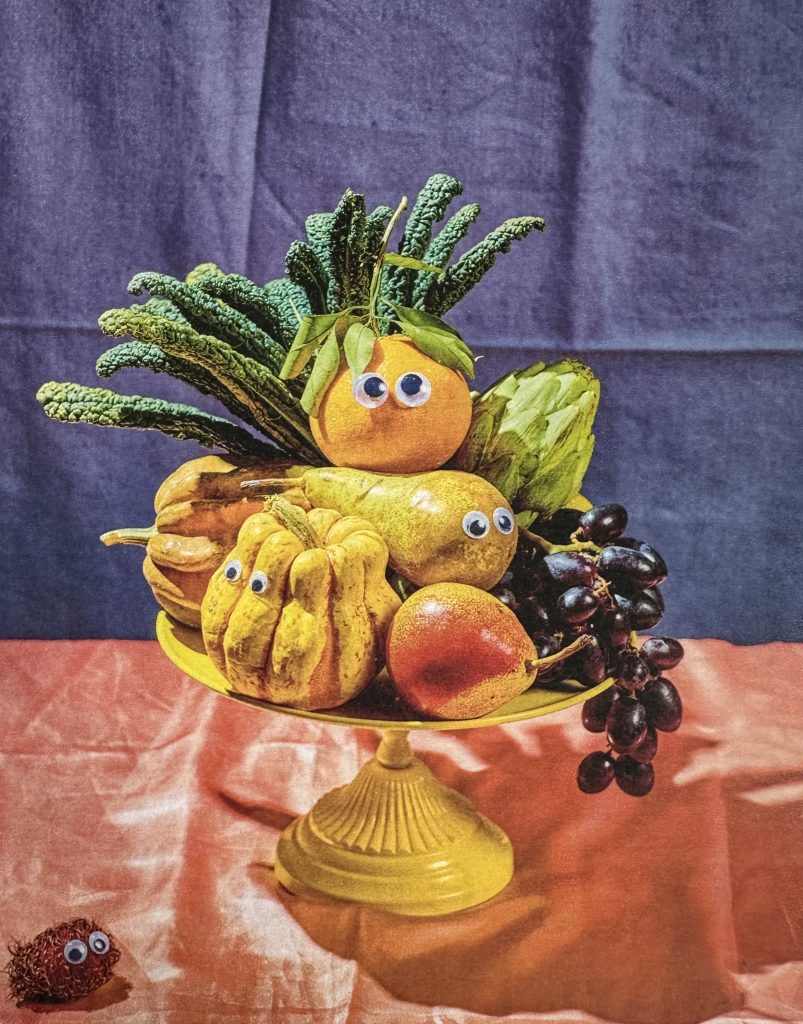
Then there has to be the right sort of 'Block' for it to be put into ..
So I have to start with a 'Block inserter' from the ones under the Block Inserter button (top left corner with a + symbol.
+ offers lots of symbols
14 sorts of TEXT...
A kindly resident here has allowed access to and from their garden for hedgehogs
Paragraph
Heading
List
Quote
Code
Details
Math
Preformatted
Pullquote
Table
Verse
Classic
Stretchy paragraph
Stretchy Heading
AND
Seven sorts of MEDIA:
Image
Gallery
Audio
Cover
File
Media and text
Video
as well as ...
ELEVEN 'DESIGN'S
THIRTEEN WIDGETS
THIRTY FOUR (34) THEMES
THIRTY FIVE (35) EMBEDS
THREE SEOs
and FOUR more THEMES
.